Email Queue
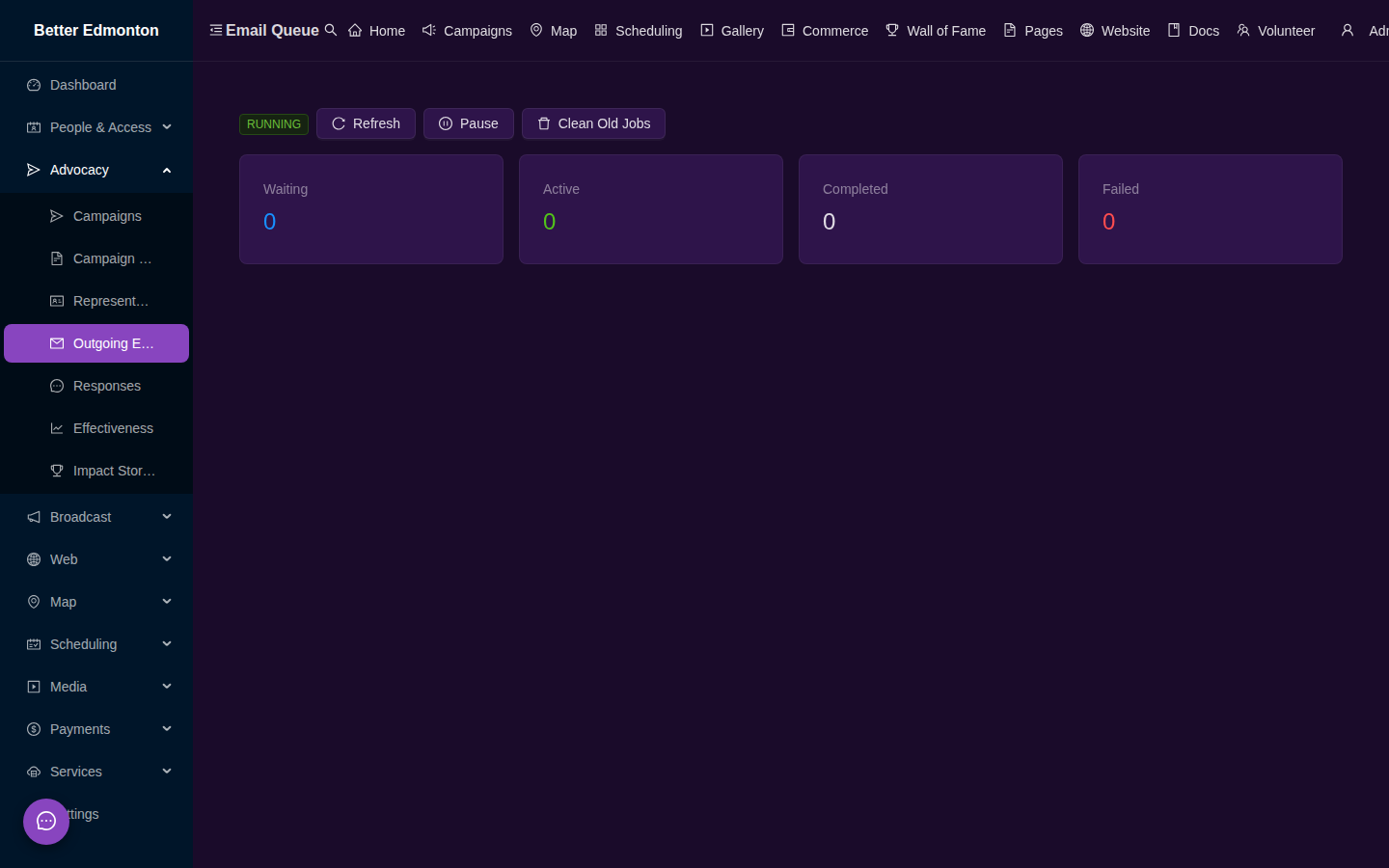
Monitor outgoing advocacy emails processed through the BullMQ queue.
Key Features
- Queue dashboard — view pending, active, completed, and failed jobs at
/app/email-queue - Job details — inspect individual email jobs with recipient, subject, status, and timestamps
- Retry failed jobs — re-queue emails that failed due to SMTP errors or timeouts
- Clear completed — bulk-remove completed jobs to keep the queue clean
- Stats — total sent, delivery rate, and average processing time
Admin Routes
/app/email-queue— email queue monitoring and management