Landing Pages
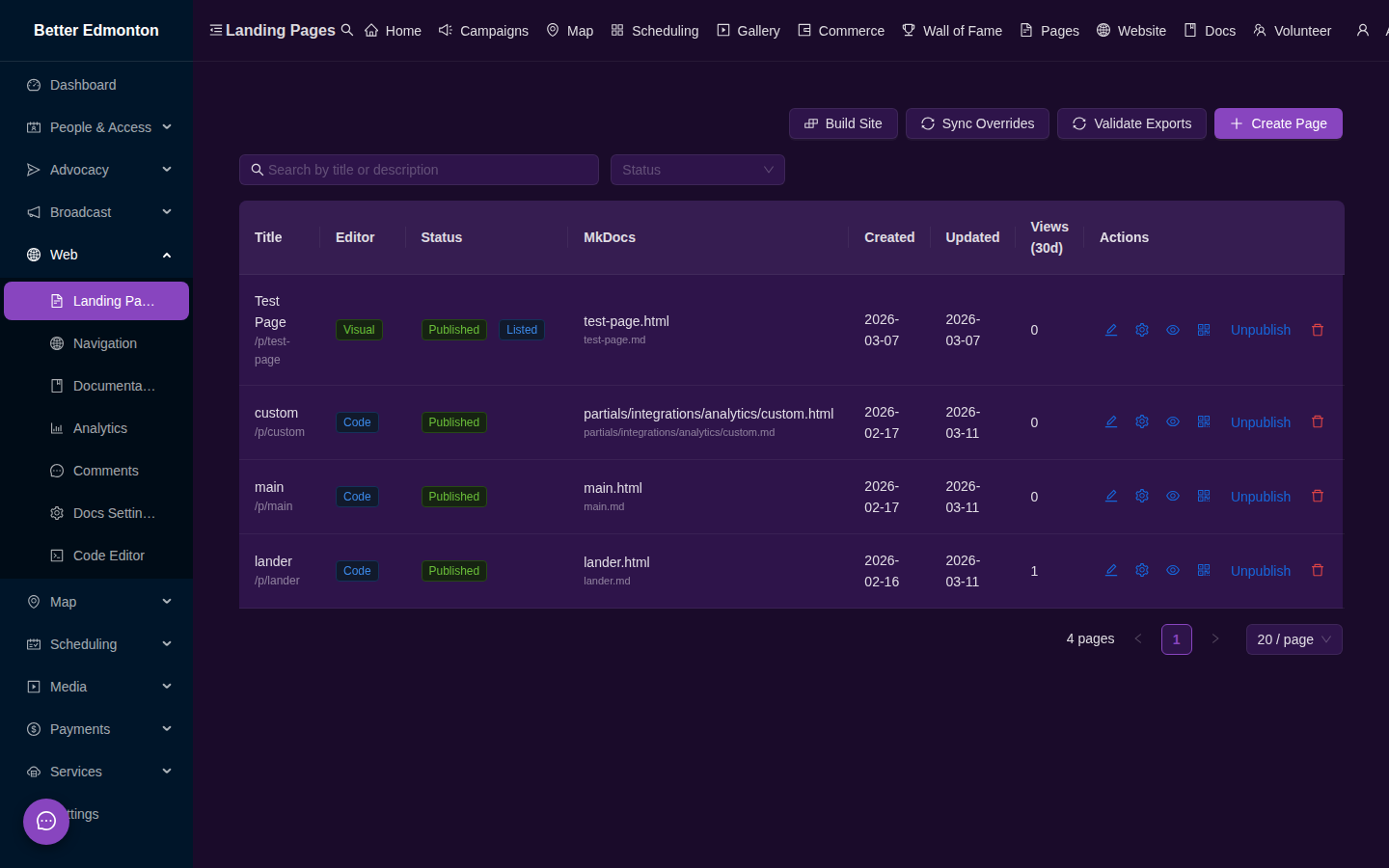
Build campaign microsites with a drag-and-drop visual editor.
How It Works
- Create a new page from the admin panel
- Open the GrapesJS visual editor — drag blocks, edit text, adjust styles
- Save and publish — the page goes live at
/p/:slug - Optionally export to MkDocs for inclusion in the documentation site
Admin Routes
/app/pages— list and manage landing pages/app/pages/:id/edit— full-screen GrapesJS editor
Public Routes
/p/:slug— view a published landing page